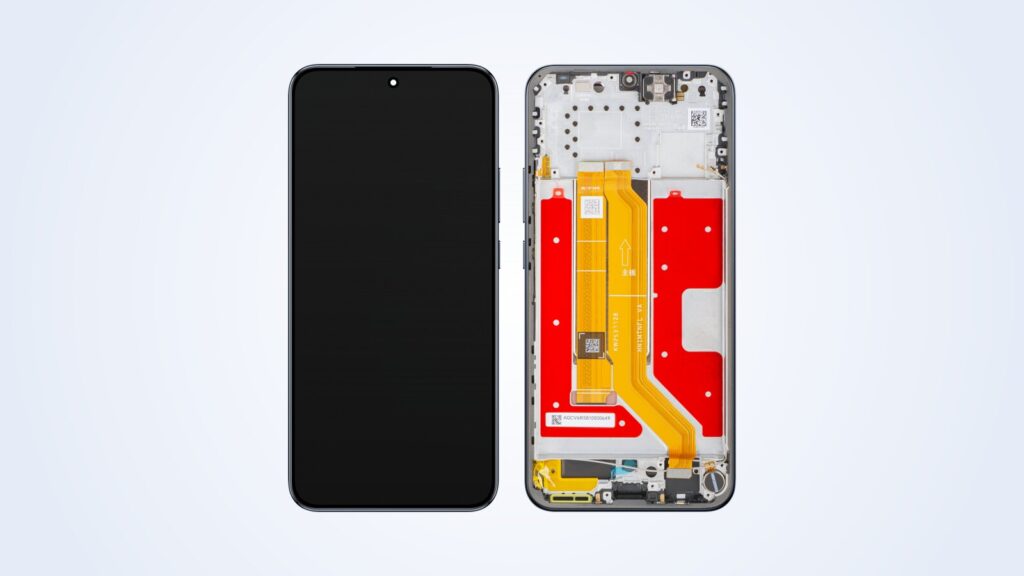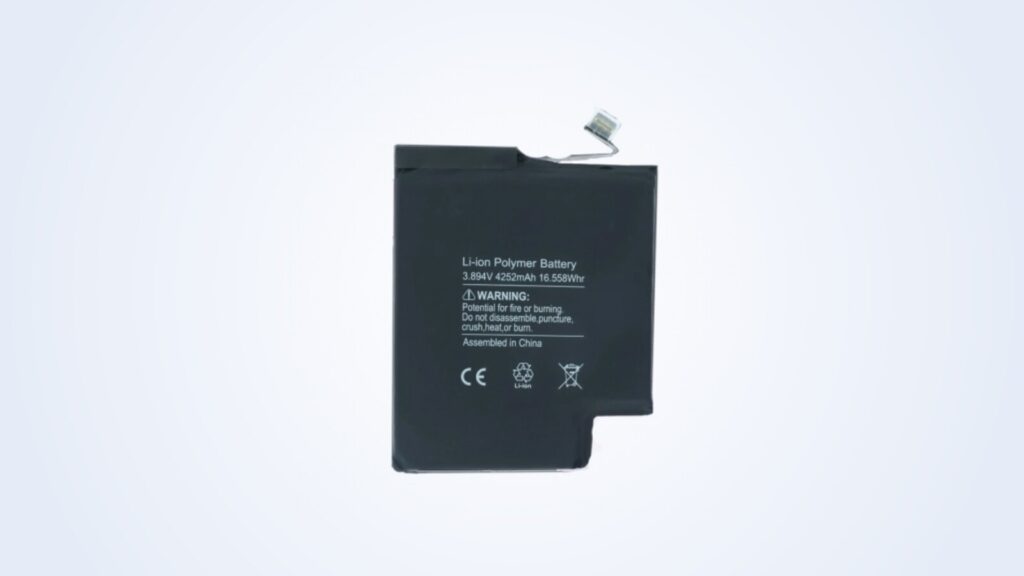
A phone that charges slowly, only at a certain angle, or not at all, does not always need a repair. Start with the simple checks. If they do not help, the charging port is probably worn or damaged.
Check these first
- Try another cable and charger. Cables wear out faster than ports.
- Clean the port. Lint from pockets packs into the port over time, so the plug no longer goes in fully. Switch the phone off and carefully remove it with a wooden toothpick or a plastic pick. Never use metal, and never use liquids.
- Restart the phone and check for a software update.
- Look for moisture warnings. Some phones stop charging when they detect moisture in the port. Let the phone dry before you charge it.
Signs the port needs replacing
- The plug is loose, or only charges at an angle, even after cleaning
- Visible damage or corrosion on the contacts
- The phone is not recognised by a computer, while another cable works
- The microphone does not work either: on many phones the main microphone sits on the same flex cable or board
Flex cable or board?
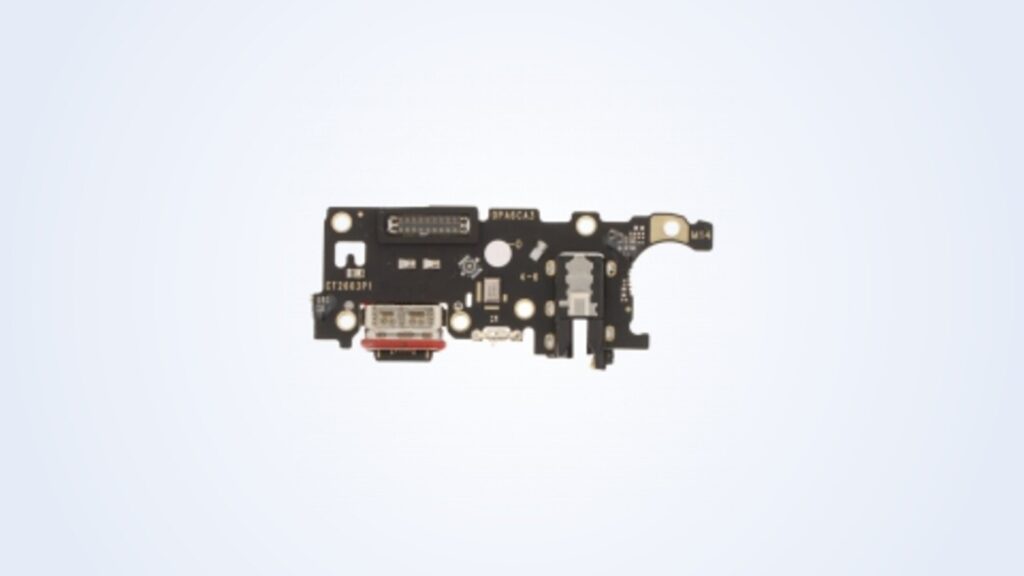
Depending on the model, the charging port is on a flex cable (common on iPhones) or on a small sub-board (common on Samsung, Xiaomi and other Android phones). On a few phones it is soldered to the main board; that repair needs micro-soldering skills.
Before you start
- Back up your phone and switch it off completely.
- Check the exact model number (Settings › About phone, or the text on the SIM tray or the back). Parts that look the same often differ between models such as “5G” and “4G” or “Pro” and “Pro Max”.
- Opening a phone can end the manufacturer’s warranty and can affect water resistance. If your phone is still under warranty, check with the manufacturer first.
- Work on a clean, well-lit table with a soft mat. Keep screws in order: many phones use screws of different lengths, and a long screw in the wrong hole can damage the board.
Step by step
- Open the phone and disconnect the battery.
- Remove what is in the way: often the loudspeaker and sometimes the vibration motor.
- Disconnect the board or flex and any antenna cables (note where they are routed).
- Remove the old port. A flex cable is usually glued: warm it slightly and lift it slowly with a plastic tool.
- Fit the new part, reconnect the antenna cables in the same route and put back the other parts.
- Test: charging, data connection, the microphone (make a voice recording) and mobile reception, before you close the phone.
Parts for this repair
- Charge Connector Board (26 products)
- Charge Connector Flex Cable (21 products)