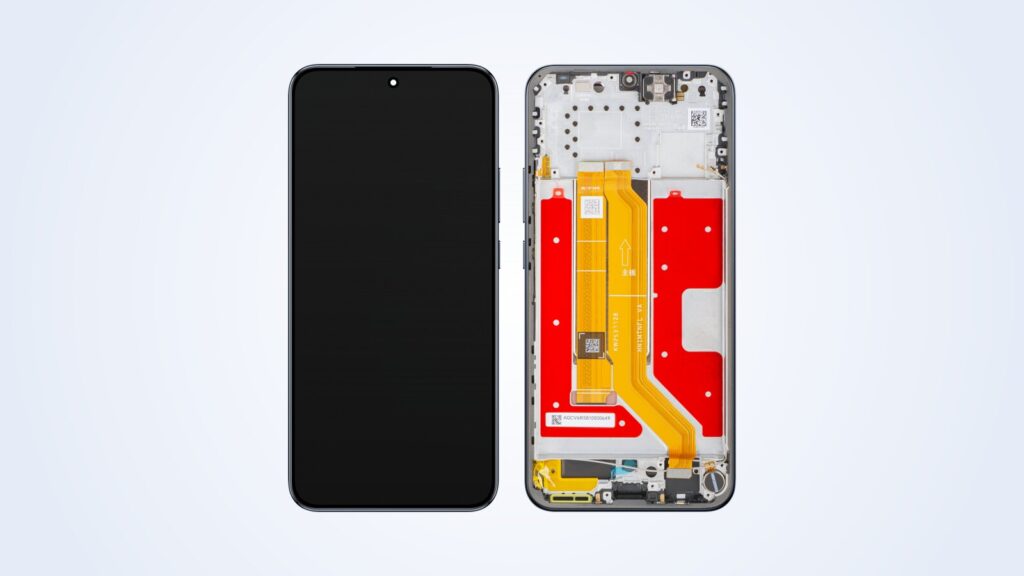
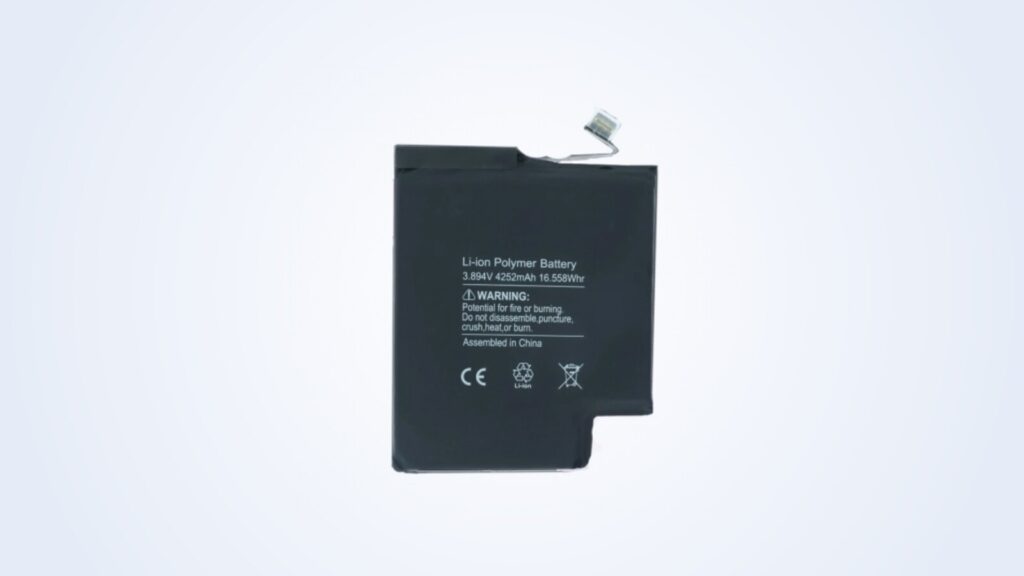
Lithium-ion batteries wear with every charge cycle. After a few years many phones last only half a day, shut down at 20% or slow down under load. A new battery fixes that, and it is one of the most cost-effective repairs. It does require care: a damaged lithium-ion battery can catch fire.
Signs that the battery needs replacing
- The battery health in settings is low, or the phone shows a service message
- The phone shuts down while the battery still shows charge
- The phone only works on the charger
- The battery is swollen: the screen or back lifts, or there is a gap at the edge. Stop using the phone and do not charge it.
What you need
- The replacement battery for your exact model
- Screwdrivers, opening picks, a suction cup and a plastic spudger
- New battery adhesive strips
- Isopropyl alcohol (99%) and a plastic card, if the old adhesive strips break
See our repair tools and adhesive tapes.
Before you start
- Back up your phone and switch it off completely.
- Check the exact model number (Settings › About phone, or the text on the SIM tray or the back). Parts that look the same often differ between models such as “5G” and “4G” or “Pro” and “Pro Max”.
- Opening a phone can end the manufacturer’s warranty and can affect water resistance. If your phone is still under warranty, check with the manufacturer first.
- Work on a clean, well-lit table with a soft mat. Keep screws in order: many phones use screws of different lengths, and a long screw in the wrong hole can damage the board.
Safety rules for lithium-ion batteries
- Never use metal tools to pry a battery. Puncturing it can cause a fire. Use plastic tools only.
- Never bend the battery while removing it.
- Discharge the battery below 25% before you start: a less charged battery is less dangerous if it gets damaged.
- If the battery gets hot, smokes or smells, move it to a non-flammable surface outside and keep your distance.
- Take the old battery to a battery collection point. Never put it in household waste.
Step by step
- Open the phone. Depending on the model, through the back glass or the screen (see our screen replacement guide for the opening technique).
- Disconnect the battery connector with a plastic spudger, and keep it bent away so it cannot touch the board.
- Remove the adhesive strips. Many phones use stretch-release strips: pull them slowly, low and flat, without twisting. If a strip breaks, apply a few drops of isopropyl alcohol under the battery, wait a minute and lift it with a plastic card.
- Clean the battery bay and remove all old adhesive.
- Fit the new battery with new adhesive strips. Align it before pressing it down.
- Connect and test. Connect the battery, close the phone, switch it on and charge it to 100%.
After the replacement
Battery percentages can be inaccurate for the first few charge cycles while the phone learns the new battery. Some brands show a message that the battery cannot be verified; the battery works normally, but the battery health figure may not be shown.
Parts for this repair
- Battery (33 products)
- Adhesive Tape Battery (13 products)