
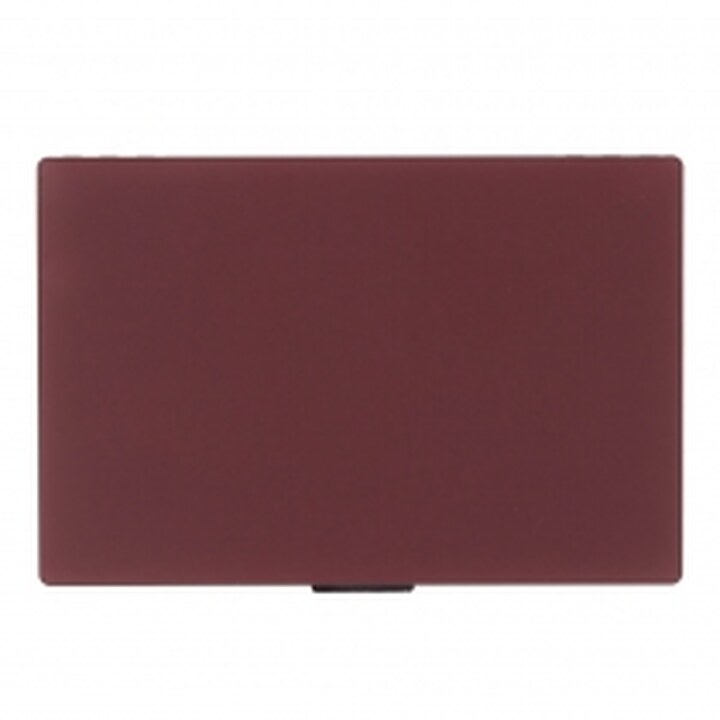



Description
Repair your laptop with this TouchPad Without Flex Cable for Microsoft Laptop 1769, made to fit and work like the original.
Key features
- Restores a sharp picture and responsive touch input
- Fixes cracked glass, dead pixels, lines or a black screen
- Direct replacement for the original screen assembly
- Full OEM quality
Compatibility
This touchpad is compatible with the following models:
- Microsoft Laptop 1769
- Microsoft Laptop 2
Tip: check the model number of your device (in Settings › About or on the back of the device) before ordering.
TouchPad Without Flex Cable for Microsoft Laptop 1769 specifications
| Brand | Microsoft |
|---|---|
| Model | Laptop 1769 |
| Series | Surface |
| Device type | Laptop |
| Part type | TouchPad |
| Variant | Without Flex Cable |
| Quality | Full OEM |
| Color | Red |
| SKU | MICR23505 |
Quality: Full OEM
Full OEM means the part is an original manufacturer (OEM) component, giving the same look, fit and performance as the part your device came with.
Product details
Microsoft Laptop 1769/Laptop 2 The TouchPad on which can be pressed and is used for general navigation.
– Without Flex Cable – Red
Installation tips
- Disconnect the battery before removing the old screen.
- Test the new display (image, touch, brightness) before closing the device.
- Use fresh adhesive so the device stays sealed and dust-free.
- Not confident? Let a professional repair shop install the part.
Frequently asked questions
Is this touchpad compatible with my Microsoft Laptop 1769?
Yes. It fits the Microsoft Laptop 1769 and 1 other models listed under Compatibility. Always compare your model number before ordering.
Is this an original part?
Yes. It is an original manufacturer (OEM) component.
Do I need special tools to install it?
Most repairs need a precision screwdriver set, opening tools and sometimes heat to soften adhesive. If you are unsure, let a professional install it.
Reviews
There are no reviews yet.